#REF!
A formula points at a column that isn't there any more.
The Excel Uplift · Launch
Spreadsheets have run a lot of EMG for years. Now the work we share is moving into apps of our own, all opened from the EMG Portal with one sign‑in. Ticketing and Documentation are the first two.
Why we're doing this
Spreadsheets are quick to set up and everyone knows how to use them. They get harder to manage once a whole team shares one file and the business depends on it.
#REF!
A formula points at a column that isn't there any more.
Budget_FINAL_v7 (2).xlsx
There are several copies, each a little different, and it isn't clear which one is current.
Locked for editing by another user
Only one person can change it at a time, so everyone else waits.
RE: FW: latest copy
Each emailed copy changes on its own after it's sent.
=RunMacro()
The macro does important work, and few people know how it works.
Hidden
A hidden tab is still in the file, and anyone with the file can unhide it.
The Excel Uplift moves this kind of shared work into apps, one spreadsheet at a time. Excel stays for the analysis and modelling it does well.
How it works
On a computer or a phone.
An administrator chooses which apps each person can use.
Hosted in Sydney. Apps get data from each other instead of copying it.
What it means for you
Your work email and one password open every EMG app you've been given.
Each piece of information is stored once, so when someone updates it, everyone sees the update.
You see the apps you work in. Inside each app, your role decides what you can see and change.
The portal and the apps log sign-ins and changes, so you can see who changed something and when.
Live now
We started with asking IT for help and looking up how things are done, because everyone at EMG does both.
Ticketing is EMG's IT help desk.
Try this firstRaise a ticket for a small IT problem you've been putting up with, like a monitor that flickers.
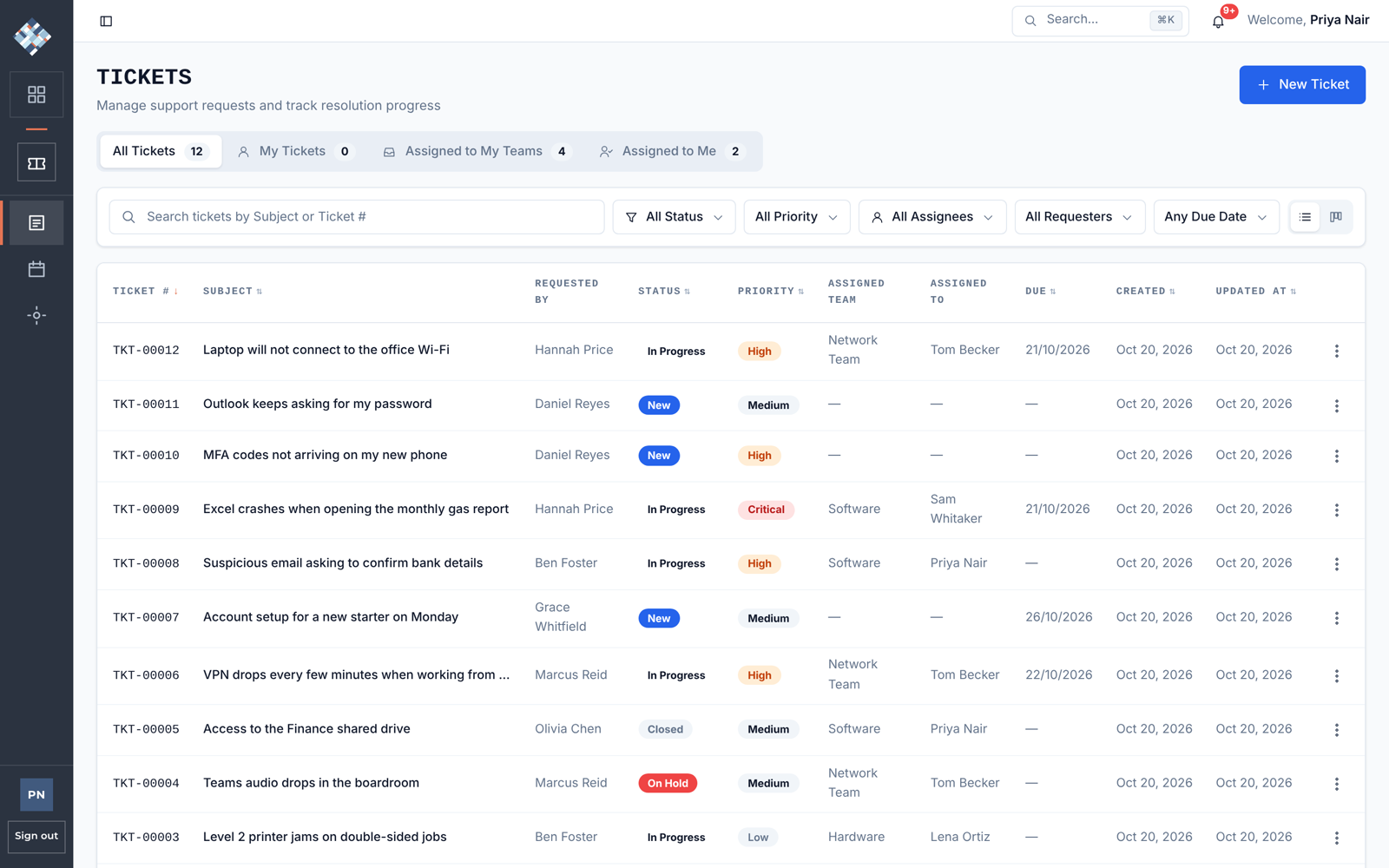
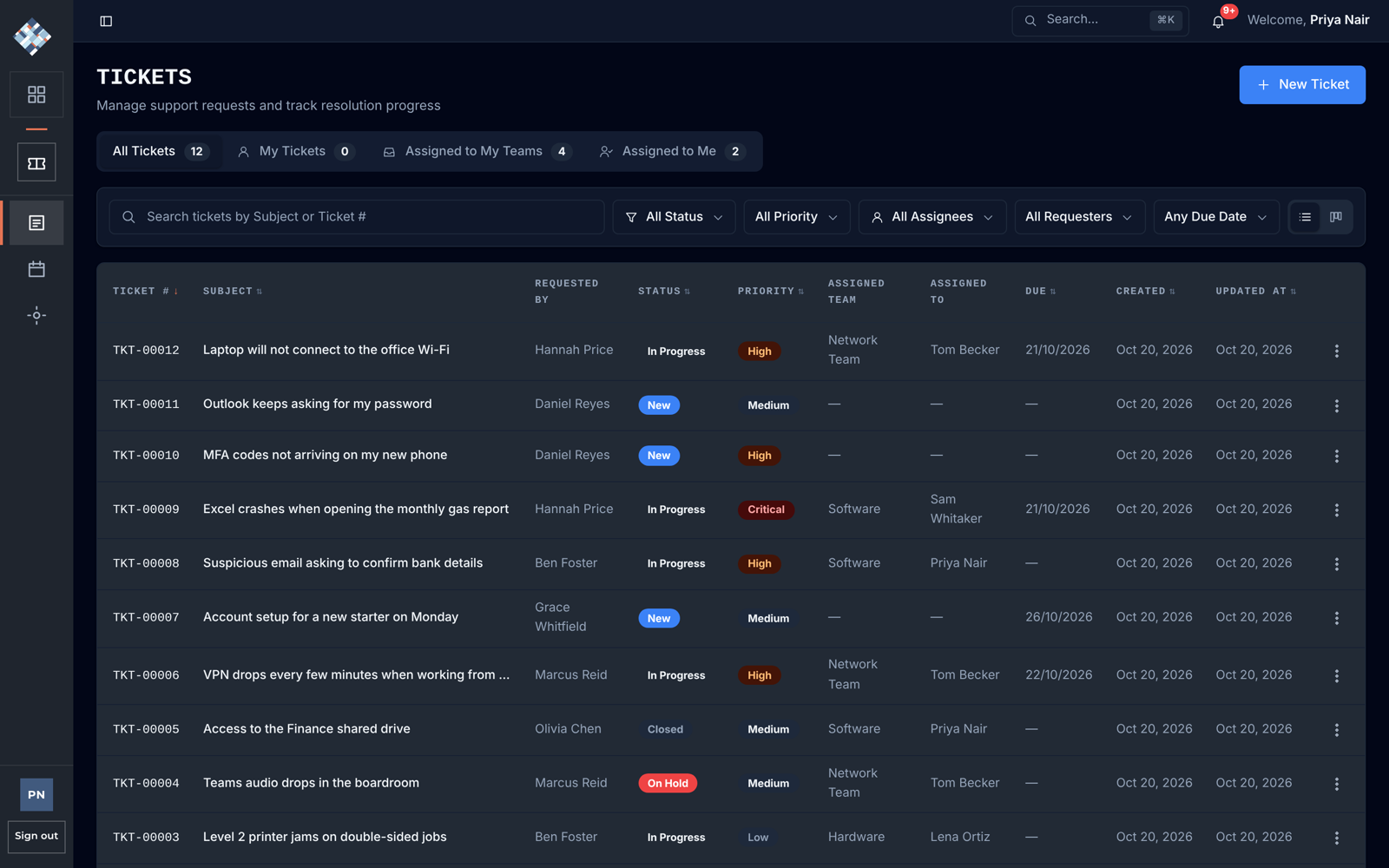
Documentation is where EMG writes down how things are done.
Try this firstOpen the Ticketing user manual in Documentation. It explains how to raise and follow a ticket.
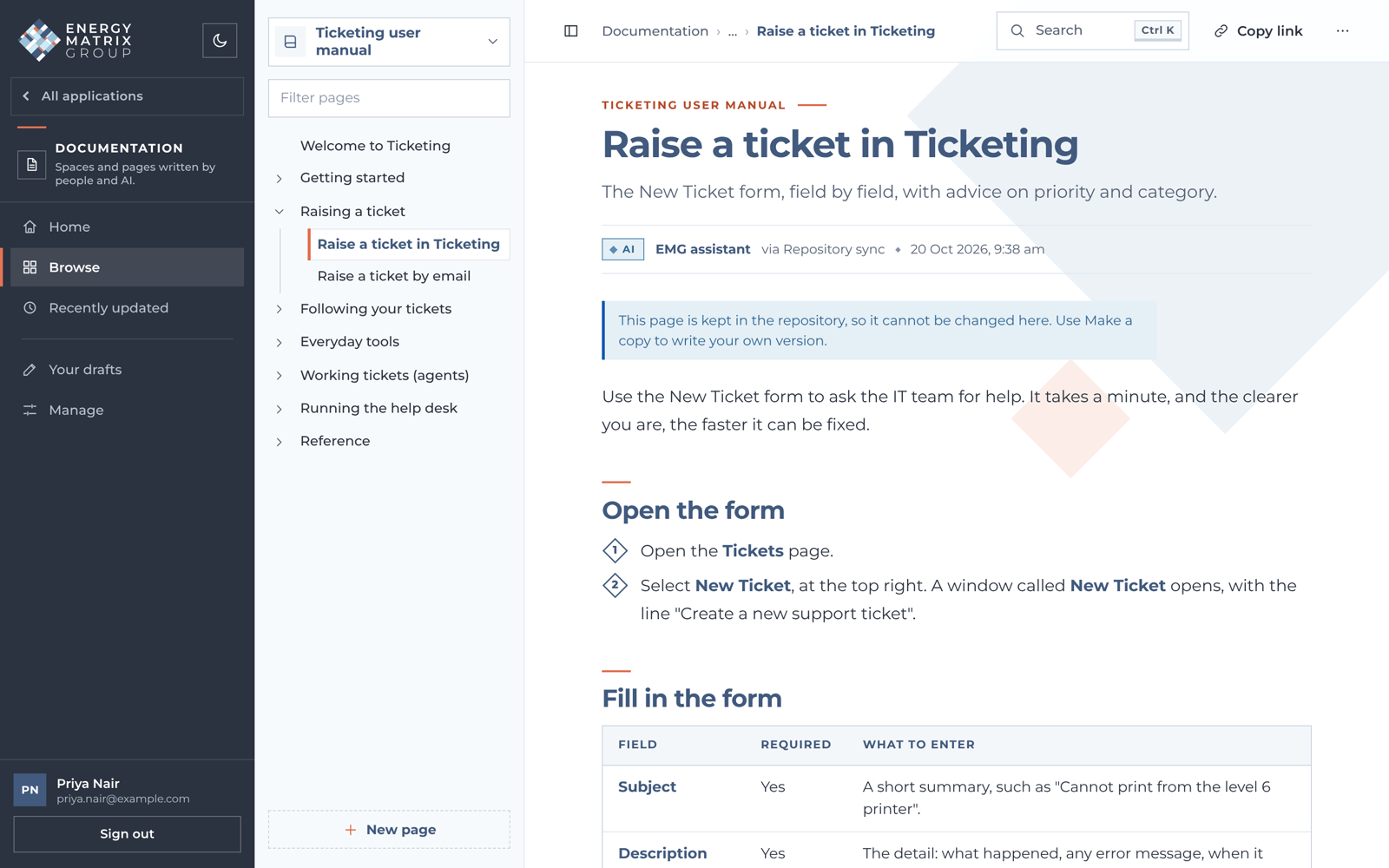
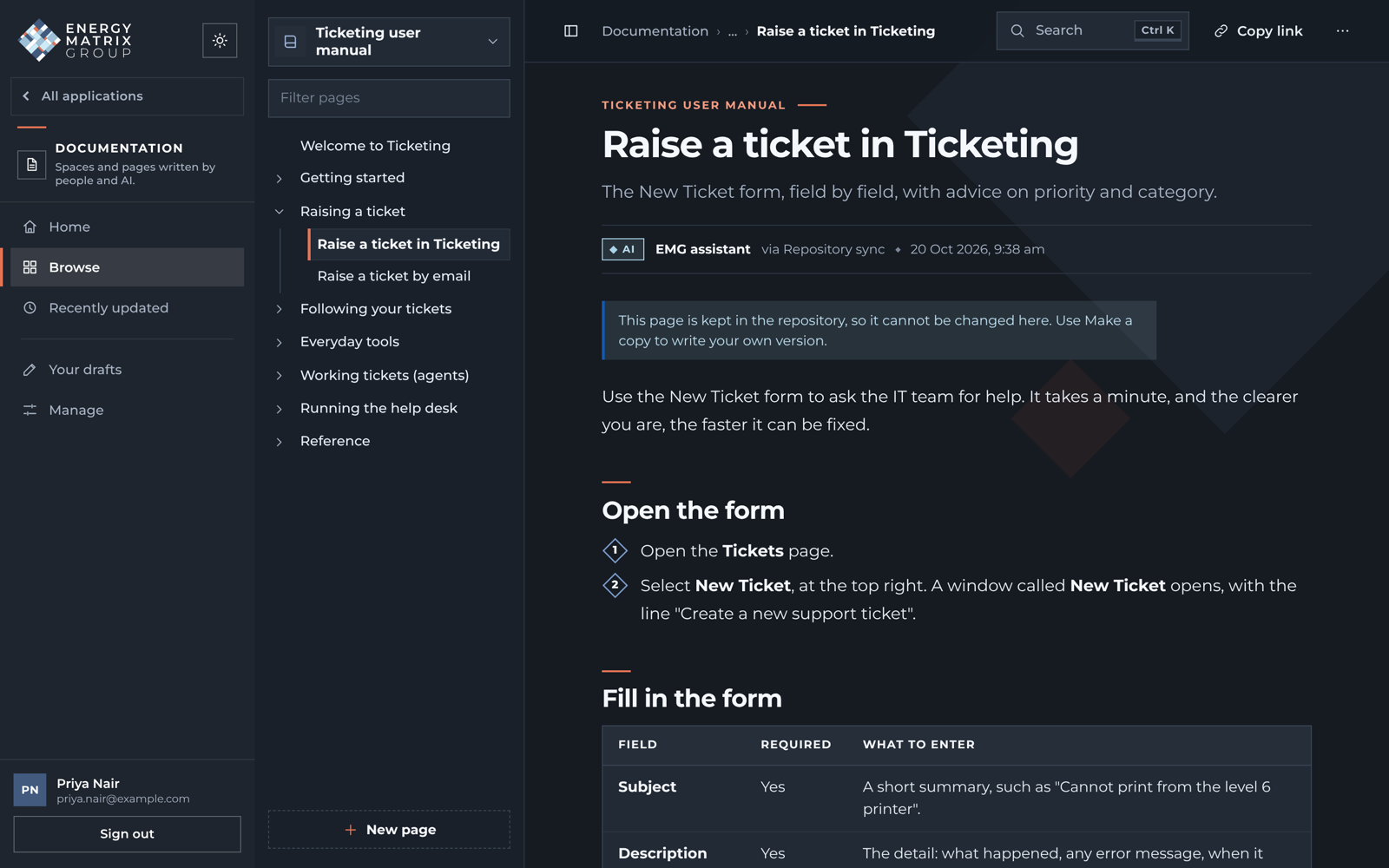
What's next
The EMG mark has 29 tiles. We've lit one for the portal and one for each live app, and we'll light another each time an app goes live. Six apps are being scoped now, listed in no particular order.
Daily checklists, shift handovers and market notices in one place.
Collects billable items from each EMG app and prepares invoices for MYOB.
Customers, sites, contracts and pricing, moved over from the PowerApp.
Meter data, network tariffs, quotes and bills in one place.
Current and planned contracts, with saved scenarios run across the whole portfolio.
Its scope is being worked out with the Operations team.
Does your team rely on a spreadsheet that should be an app? See the IT team and tell them what the spreadsheet does and who uses it. We'll use the suggestions to decide what to build after these six.
Get started
Bookmark it. Every EMG app opens from here.
portal.apps.energymatrix.com.auUse your EMG password. If you've forgotten it, choose Forgot password and we'll email you a link to set a new one.
You'll see the apps you can use. Start with Ticketing or Documentation.
If you can't sign in, email the service desk. Your email becomes a ticket and IT will follow it up.
Questions
No. Excel is still the right tool for a lot of work, especially analysis and one-off models. The apps take on work that many people share and repeat every day.
Each one stays in use until the app that replaces it is live and tested. We'll move the data across with the people who use the spreadsheet.
In EMG's own databases, hosted in Sydney.
You only see the apps you've been given. Inside each app, your role decides what you can see and change, and every change is logged.
Raise a ticket in Ticketing, or email the service desk and your email becomes a ticket.
Yes. See the IT team and tell them what the spreadsheet does and who uses it. Suggestions help us decide what to build after the six apps already planned.
Yes, in your phone's web browser. There's nothing to install.
EMG's own team. Each change is tested and checked on a test copy of the portal before it goes live.